Do QR Codes Expire? Static vs Dynamic Explained
The most common QR question — and the trap behind most 'free' generators.
QR codes themselves never expire. A QR code is just a pattern that encodes data — like ink on paper, it has no expiry date. So why do so many printed QR codes stop working? Because of what's encoded inside them.
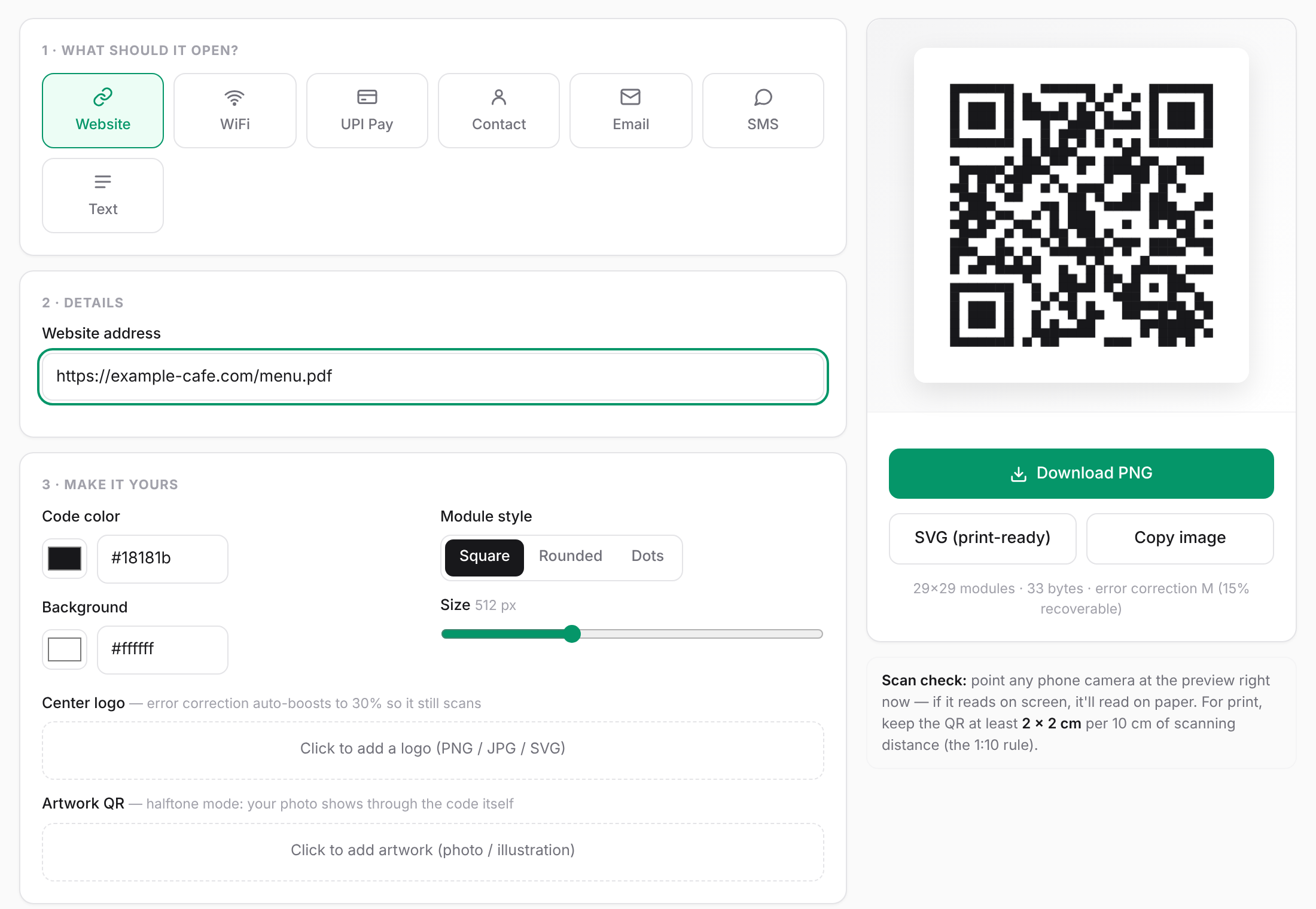
Static QR codes: permanent
A static code stores your actual content — the full URL, WiFi details, or UPI link — directly in the pattern. As long as the destination exists, the code works. Forever. No service, subscription, or account can switch it off.
Dynamic QR codes: the expiry trap
A dynamic code doesn't store your link. It stores a short redirect URL belonging to the QR company (like qrco.de/abc123), which forwards to your real destination. That redirect is the product: it enables scan tracking and lets you change the destination later — but it also means the company controls your code. Many free trials silently generate dynamic codes; when the trial ends, the redirect dies, and every printed flyer with it.
How to check before you print
- Scan your code and look at the URL that opens. If it's your address, it's static. If it's a shortener you don't own, it's dynamic — and someone else holds the off switch.
- Ask whether the generator requires an account to "keep your code active." Static codes never need that.
When dynamic is actually worth it
Dynamic codes make sense when you genuinely need scan analytics or to re-point a printed code later — just use a paid provider you trust, knowingly, not by trial accident.
Real-world examples of codes that stopped working
The most common failure is a restaurant that creates QR table codes using a free trial from a popular dynamic QR service. After 14 days, the trial ends and the company starts charging. If the subscription isn't renewed, every code on every table in the restaurant now points to an "upgrade your plan" page instead of the menu. The restaurant either pays indefinitely or reprints everything.
A similar issue affects small businesses that use built-in QR generators from graphic design tools — some of these create dynamic codes linked to the design platform's own redirect infrastructure. When the business cancels its design subscription, the QR codes on all their printed materials stop working overnight.
How static codes work in practice: the Making a QR Code difference
Making a QR Code generates static QR codes entirely in your browser. The URL, WiFi password, UPI ID, or contact details you enter are encoded directly into the QR pattern itself using the ISO/IEC 18004 standard. When someone scans it, their phone reads the encoded data directly — there is no request to a server, no redirect, and nothing that can be switched off.
The technical encoding process converts your text into a matrix of dark and light modules using Reed-Solomon error correction. This means the code can still be read even if up to 30% of the pattern is damaged or obscured (at the highest error correction level). The error correction is built into the code itself — not a service, not a subscription.
What determines how long a QR code actually works?
For static QR codes, the only thing that determines whether a code keeps working is whether the destination still exists:
- A URL QR code works as long as the page it points to is live. If the domain expires or the page is deleted, the code stops working — not because the QR failed, but because the destination did.
- A WiFi QR code works as long as the network name and password stay the same. Change the password and the code is instantly invalid — but print a new one in seconds.
- A UPI payment QR code works as long as the UPI ID is active. This is typically indefinite as long as the bank account stays open.
- A contact card (vCard) QR code works forever — it stores the contact data directly, with no URL involved at all.
Checklist: before you print in bulk
- Scan the code yourself and confirm it opens the right destination.
- Test on two different phones (iOS and Android) if possible.
- If encoding a URL, verify the URL itself works and you control it long-term.
- Print one copy first at the intended size, test at real scanning distance, then do the full run.
- Keep the source (the tool and inputs) so you can regenerate quickly if you need to reprint.