Restaurant Menu QR Code: Free, No Subscription
The code your tables have needed since 2020 — and it costs nothing to make or maintain.
QR codes on tables became standard during the pandemic and have stuck around because customers actually like them — especially for checking allergens, seeing photos of dishes, or browsing specials before the server arrives. The good news: you don't need to pay a monthly fee for a menu QR code. A static QR code linked to your online menu is free and permanent.
Step 1: Get your menu online
You need a URL (web address) that opens your menu. The most common options:
- Upload a PDF to Google Drive — right-click the file → Share → "Anyone with the link can view" → copy the link. Free.
- Use your website — if your menu is already at
yourrestaurant.com/menu, use that. - Google Drive link shortener — shorten a Drive link with a free service like TinyURL so it encodes more compactly in the QR.
- A free page builder — Notion, Google Sites, or Canva all let you publish a simple menu page for free.
Step 2: Create the QR code
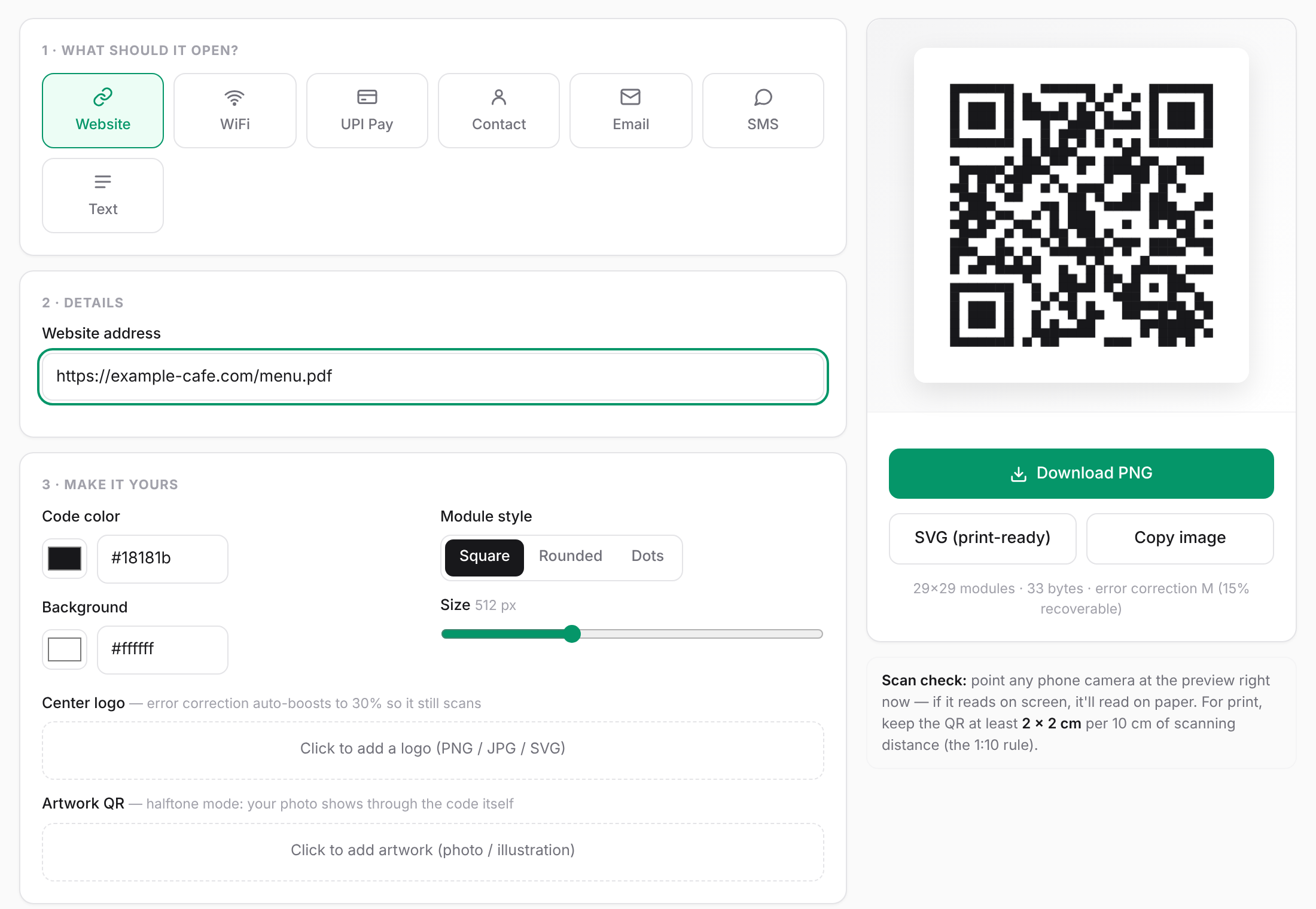
- Go to Making a QR Code and select the Website tab.
- Paste your menu URL.
- Add your restaurant logo in the center (optional but looks professional).
- Match your brand colors if you like.
- Download as PNG or SVG. SVG is best for large-format printing.
Step 3: Print and place
- Table tents — fold-up cards that stand on each table. Print at least 5 × 5 cm for the QR.
- Laminated A5 cards — durable and easy to wipe clean between covers.
- Stickers on menus or trays — add alongside a physical menu for hybrid service.
- Window cling — let customers check the menu before they come in.
Can I update the menu without reprinting the QR code?
Yes — as long as the URL stays the same. If your menu is a Google Drive PDF, you can replace the file at the same link and the QR code automatically points to the new version. If you need to change the URL entirely, generate a new QR code and reprint.
What size should I print the QR code?
For table cards scanned at arm's length (~50–60 cm), print at least 4–5 cm wide. Anything smaller risks failing to scan on older phone cameras. Always test-scan before printing in bulk.
Does a menu QR code expire?
No. A static QR code encodes the URL directly — there is no redirect server and no subscription. The code works for as long as the URL is live. This is why it's important not to use a QR code subscription service for a simple menu link: if you cancel or they shut down, every printed code in your restaurant dies with it.
Choosing the right menu hosting for your QR code
The QR code is permanent — but only if the URL stays stable. Here's a comparison of common menu hosting approaches:
| Hosting method | Cost | URL stable? | Can update menu? |
|---|---|---|---|
| Your own website | Your hosting cost | Yes, if you keep the URL | Yes |
| Google Drive PDF | Free | Yes | Yes — replace the file |
| Notion page | Free tier available | Yes | Yes — edit the page |
| QR code service PDF hosting | Monthly fee | Only while paying | Yes |
| Canva published page | Free tier available | Yes if kept published | Yes — re-publish the design |
The key insight: use any method where you control the URL and can keep it stable independently of a subscription. Google Drive and your own website are the most reliable for the long term.
Google Drive hosting: step-by-step
- Create your menu as a PDF (from Word, Google Docs, Canva, or any design tool).
- Upload the PDF to Google Drive.
- Right-click the file → Share.
- Under "General access", choose "Anyone with the link" → Viewer.
- Copy the sharing link. It looks like:
drive.google.com/file/d/FILEID/view?usp=sharing - Paste that link into Making a QR Code and generate your QR code.
- To update the menu: upload a new version of the file to the same Drive location (right-click → Manage Versions → Upload new version). The link stays the same — no reprinting needed.
Tips for a menu QR code people will actually use
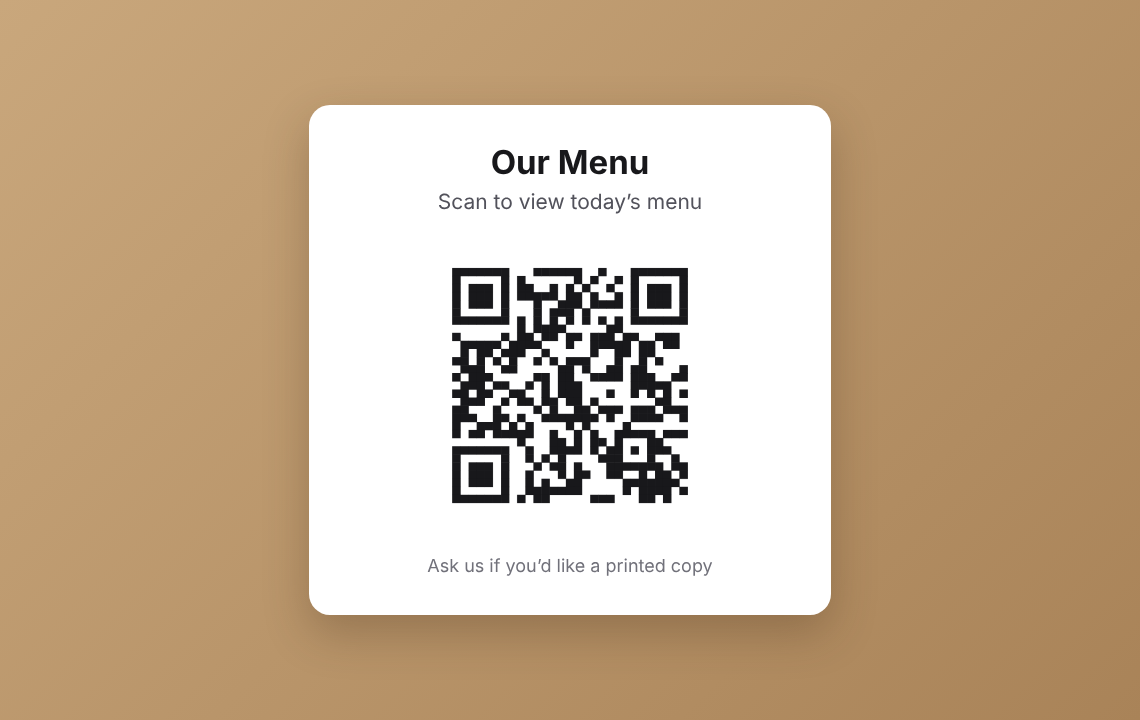
- Label it: Print "Scan to view our menu" near the code. People won't scan an unlabelled code at a table — they'll assume it's an ad.
- Print it large enough: At arm's-length table scanning (~50 cm), the code should be at least 4–5 cm wide. See the print size guide for exact measurements.
- Test it yourself first: Scan the code from your phone before you print in bulk. Check the menu opens quickly, looks good on mobile, and all images load.
- Keep a physical menu available: Some customers — especially older guests — prefer a physical menu. A hybrid approach (QR + one or two physical menus available on request) keeps everyone happy.
- Check it periodically: Re-scan your table QR codes once a month to make sure the menu URL is still live and loads correctly.
Frequently asked questions
What if the PDF is too large and loads slowly?
Compress the PDF before uploading. Tools like Smallpdf, iLovePDF, or Adobe Acrobat's online compressor can reduce a 5 MB menu PDF to under 500 KB without visible quality loss. Mobile customers on slower connections will appreciate it.
Can I use a QR code for multiple menus (lunch, dinner, drinks)?
Yes. Create separate QR codes for each menu URL. Or create one landing page that links to all of them and encode that page's URL — then customers see one QR and can tap to the menu they want.
Should I use my Instagram or Google Maps page as a menu?
Only if your menu is fully listed there and kept updated. For most restaurants, a dedicated PDF or menu page is cleaner and more reliable than relying on a social media platform to show the right information.