QR Code for Instagram Profile: Share Your Profile With One Scan
Print it on packaging, business cards, or flyers — anyone who scans goes straight to your Instagram.
Telling someone your Instagram handle in person is hit-and-miss — they have to open the app, search, and hope they spelled it right. A QR code takes them straight to your profile the moment they scan it, with no typing and no app-switching.
Your Instagram profile URL
Your Instagram profile URL is simply: https://www.instagram.com/yourusername
Replace yourusername with your actual Instagram handle. That's the link you'll encode in the QR code.
Create the QR code (free)
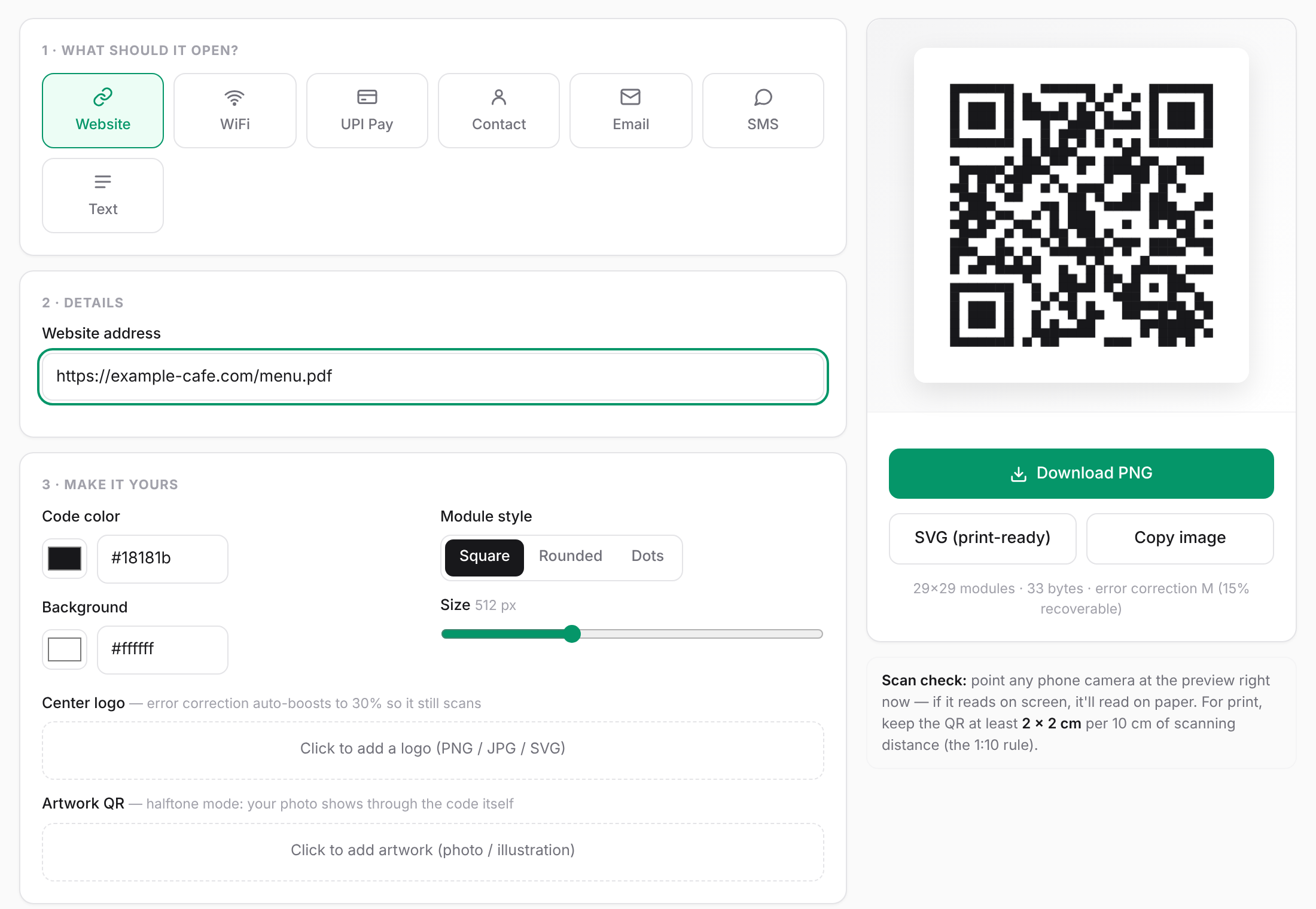
- Go to Making a QR Code and select the Website tab.
- Paste your Instagram URL:
https://www.instagram.com/yourusername - Add your profile photo as a logo, or match your brand colors.
- Download as PNG or SVG.
Where to use your Instagram QR code
- Business cards and flyers — a single scan follows you on Instagram
- Product packaging — turn buyers into followers
- Pop-up and market stalls — display it on your table banner
- Print ads and posters — bridge offline to online instantly
- Email newsletters — embed the QR image for people reading on desktop
- Stickers — branded stickers with a scannable QR are a popular giveaway
What if I change my Instagram username?
If you change your Instagram handle, the old QR code will stop working — it encodes the URL directly. You'll need to generate a new code with your updated URL and reprint. This is one reason to pick a username you'll keep long-term before printing large batches.
Does it work on Android and iPhone?
Yes. The QR code encodes a standard HTTPS URL. On iPhone (iOS 11+) and Android (9+), the built-in camera app opens it automatically — no third-party scanner needed. It opens Instagram in the browser, which prompts users to open the app if it's installed.
How to make it look good
A generic black-and-white QR code on a business card is easy to overlook. A few design choices make an Instagram QR code much more effective:
- Add your profile picture as the center logo: When someone sees your face or brand icon in the center, they know exactly what they're scanning. Making a QR Code automatically increases error correction so the logo doesn't prevent scanning.
- Use Instagram's brand colors: A gradient from purple to orange or a solid Instagram-purple code signals at a glance what it's for. Keep the foreground dark enough against the background — test before printing.
- Add a label: "Follow us on Instagram" or "Scan to follow @yourusername" above the code removes any ambiguity. People don't scan unlabelled QR codes they don't recognise.
What to do if you change your username
If you change your Instagram handle, the URL the QR code encodes changes. You'll need to generate a new QR code with the new URL and reprint anything you've distributed. This applies to stickers, business cards, flyers, and any printed materials. For this reason, it's worth picking a stable username before printing large batches — especially for packaging that's expensive to reprint.
If you're managing multiple Instagram accounts or expect to rebrand, consider whether a landing page (like a Linktree or a custom page on your own domain) makes more sense than a direct Instagram URL. That way the QR code always points to the landing page, and you update the destination there instead of reprinting.
Frequently asked questions
What's the difference between this and Instagram's built-in QR code?
Instagram generates its own QR code inside the app. The difference: Instagram's code uses their own redirect infrastructure (similar to a dynamic QR), while a code from Making a QR Code encodes your profile URL directly as a standard static QR. Both work — the Making a QR Code version gives you more design control and doesn't depend on Instagram's infrastructure.
Can I use a QR code to link to a specific Instagram post or Reel?
Yes. Any Instagram URL works — your profile, a specific post, a Reel, or a Story highlight link. Paste the URL and the code is generated the same way.
Does scanning open the Instagram app or the browser?
On iOS and Android, the QR code opens the URL in the browser, which then prompts the user to open the Instagram app if it's installed. The user ends up in the app most of the time.
Can businesses use this for their Instagram page?
Absolutely. Business accounts and creator accounts have the same URL format as personal accounts: https://www.instagram.com/yourbusiness. The process is identical.